
What time is it there, right now?
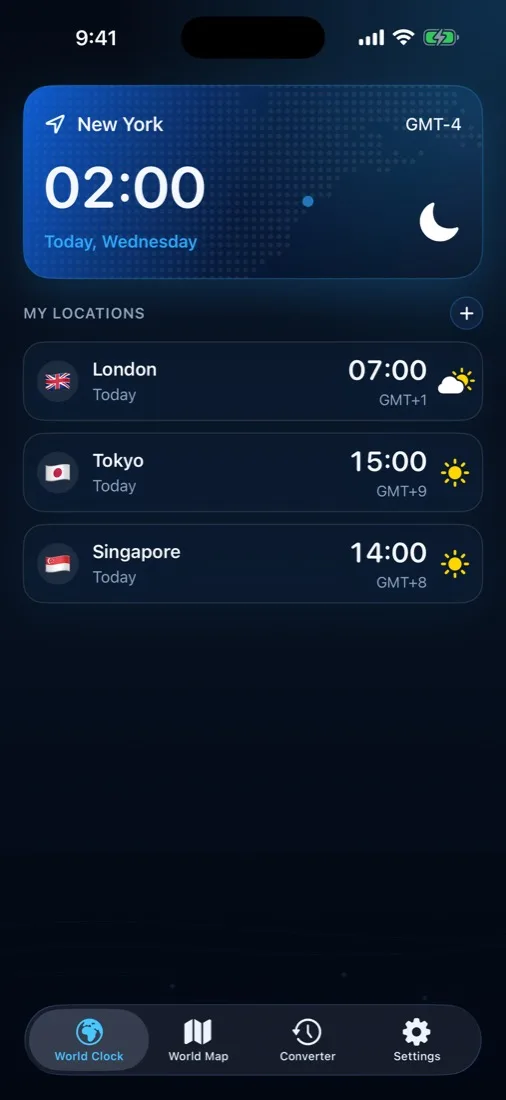
A glance at the World Clock — or at a widget, without unlocking anything. Local time, day of week, GMT offset and whether the sun is up.
 Timezone
World clock · Converter · Map · Widgets
Timezone is an offline iPhone world clock, IANA time zone converter (T_target = T_source − Offset_source + Offset_target), and solar day/night terminator map covering 325 cities across 21 languages. It keeps every city you care about on one screen, converts any moment between them, and draws the real day/night line across the world as it moves — with no network connection needed.
Three questions
Most clock apps answer the first one. Timezone is built around all three.
A glance at the World Clock — or at a widget, without unlocking anything. Local time, day of week, GMT offset and whether the sun is up.
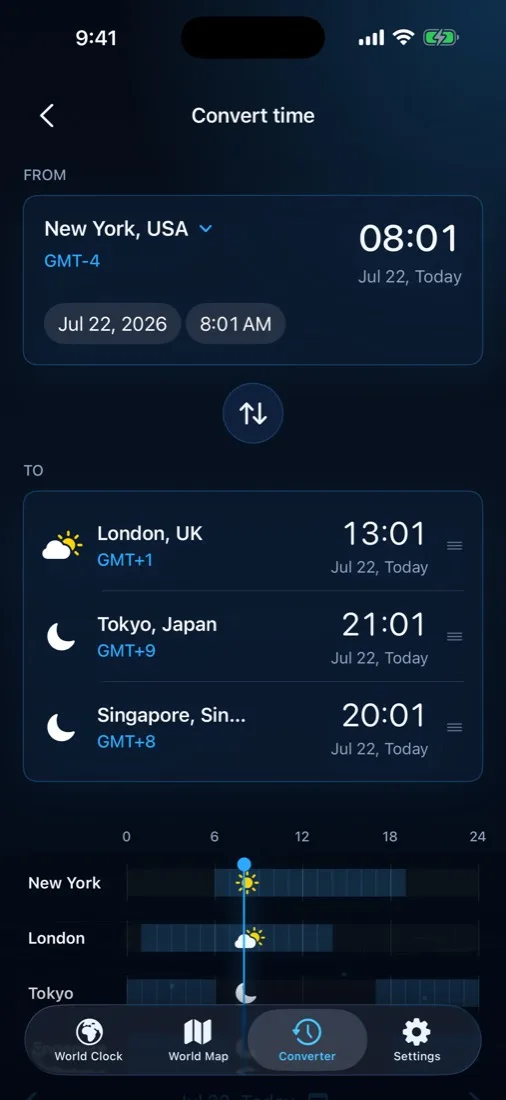
The Converter takes one date and time in one city and shows the same instant everywhere else, including whether it lands on another day.
The hard one. Timezone finds the next window where both cities are inside your waking hours, and shows it on the map and the timeline.
World Clock
One primary city sits at the top at full size — usually home, or wherever you are right now. Everything else lists below it, in the order you put them.
World Map
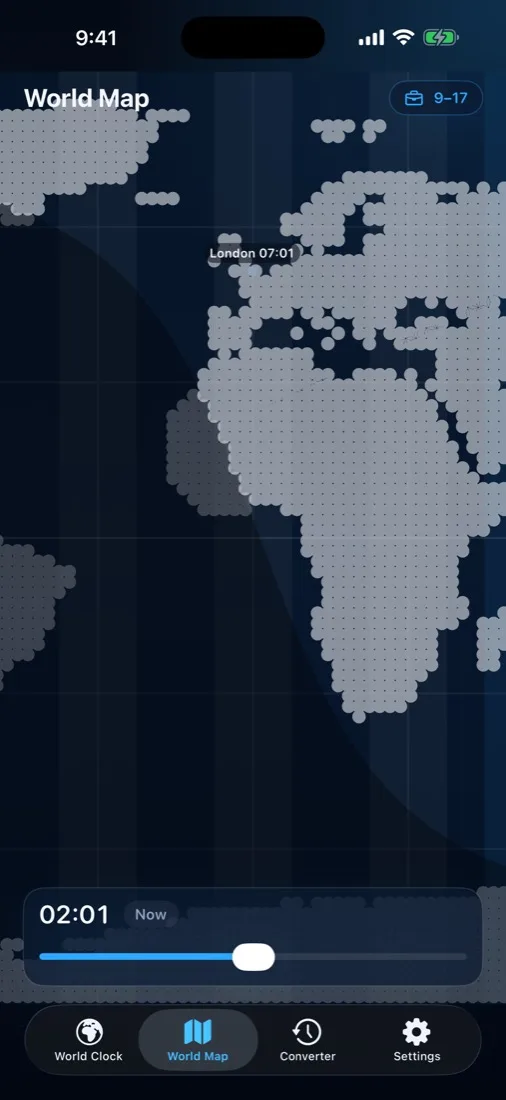
The map draws the actual solar terminator — the line between day and night — from the sun’s declination and the equation of time. Drag the slider and the whole world moves with it, cities and all.
Converter
Choose a date and time in one city and read it off in all the others — with Today, Yesterday or Tomorrow spelled out, because that is the part everyone gets wrong.
Widgets
Three widget families, on the Home Screen and the Lock Screen.
Privacy
Timezone has no networking code in it at all. The city catalog, the map and the solar maths are compiled into the app, so it works on a plane, in a tunnel, and on a phone in airplane mode — and there is nowhere for your data to go.
EnglishالعربيةČeštinaDeutschEspañol FrançaisBahasa IndonesiaItaliano日本語한국어 NederlandsPolskiPortuguês (BR)РусскийSvenska ไทยTürkçeУкраїнськаTiếng Việt简体中文繁體中文
Reading
Every figure on these pages is computed from the IANA time zone database at build time — not typed in — so the half-hour zones and the daylight-saving edges are right.
Live second-exact UTC clocks, multi-city awake overlap calculators, and digital tachograph compliance tools.
67+ guidesEST vs EDT, PST to EST, IST to EST, what daylight saving actually changes, and the odd zones that break whole-hour maths.
29+ scenariosThe standup somebody always takes at 6am, the client who books you at dinner, the birthday wished a day late. Situations, not queries.
60 conversionsEvery working hour across the common zone pairs, each with both halves of the year, the date shift, and the next clock change that moves it.
Time Zone Converter, Map & UTC. For iPhone, iOS 17.0 or later.